ScreenCloud - Do you know when to use Channels and Playlists?
Loading last updated info...
ScreenCloud gives you two key building blocks for signage content: Playlists and Channels. If you pick the wrong one early, your signage becomes hard to scale, hard to update, and inconsistent across screens.
A simple way to think about it:
- Playlists are where you organize content into a reusable set (in a defined order).
- Channels are where you schedule and publish content to screens (and keep it consistent).
ScreenCloud even runs a webinar specifically to help clarify when/how to use each - you can find it on Channels and Playlists: Best Practices
❌ The Pain
When content is added directly into Channels (e.g. individual product slides, individual pages, individual apps), it usually leads to:
- Duplicate content across multiple Channels
- Painful updates (you must fix the same thing in many places)
- Inconsistent messaging between locations / screen groups
- Fragile setups when ownership changes (“who maintains this Channel again?”)
✅ Best Practice
Use Playlists as your “unit of ownership”, and Channels as your “broadcast surface”
In ScreenCloud Channels, the media picker lets you add different content types – including Playlists, media, links, and apps – into a Channel.
That means you can structure things cleanly:
- Playlists: reusable building blocks (owned by a team or topic)
- Channels: where those building blocks are assembled + scheduled
To do that:
- Create one Playlist per product (or topic / “content module”)
- Add the product content to the Playlist (not the Channel)
- Build Channels by combining Playlists
- When a product changes, update the Playlist once and all Channels that use it will inherit the change
How to create a Playlist and Channel
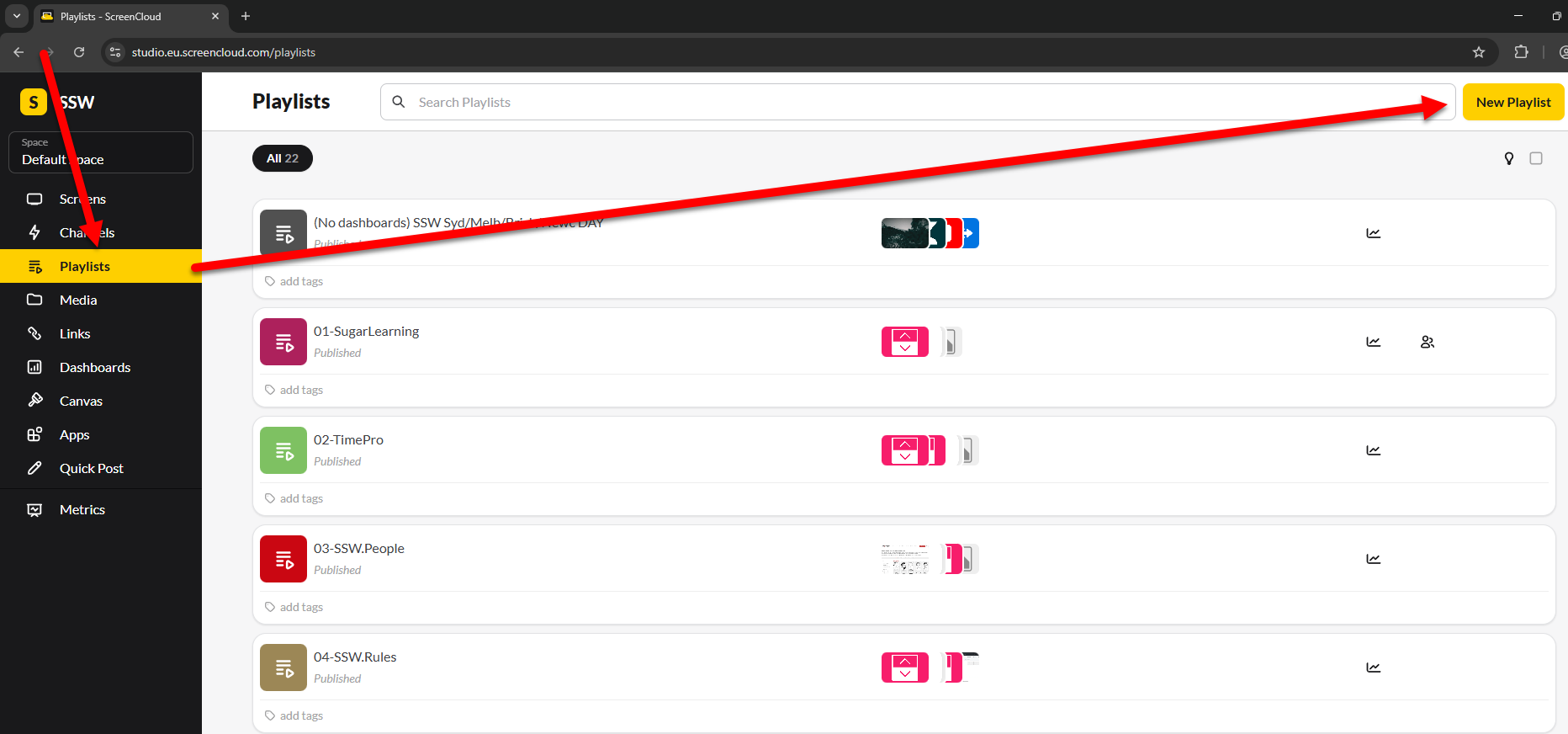
✅ Figure: Good example - Creating a new Playlist
➕ Playlist
- In ScreenCloud | left bar | Playlists | New Playlist
- Standardize Playlist naming (so it's easier to understand later) e.g. 01-(ProductName) (04-SSW.Rules)
- Add the content to your playlist e.g. Page Scroll, Dashboard, PowerBI
- Publish
This will create a new playlist with your content.
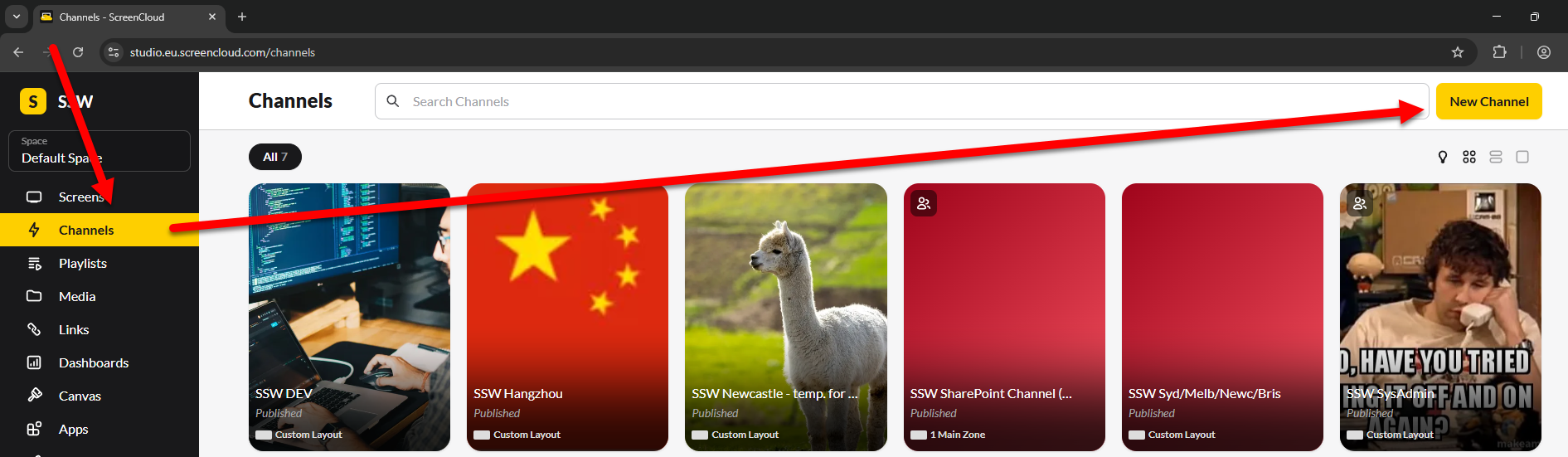
✅ Figure: Good example - Creating a new Channel
➕ Channel
- In ScreenCloud | left bar | Channels | New Channel
- Add the Playlists you just created to your channel
- Publish
- Add/assign/embed the channel somewhere to start showing it to your audience